
JS Ground
JavaScript playground with a real console
Write JavaScript and watch console output and a live DOM preview beside the editor, with a sandbox that an infinite loop cannot wedge.
What is JS Ground?
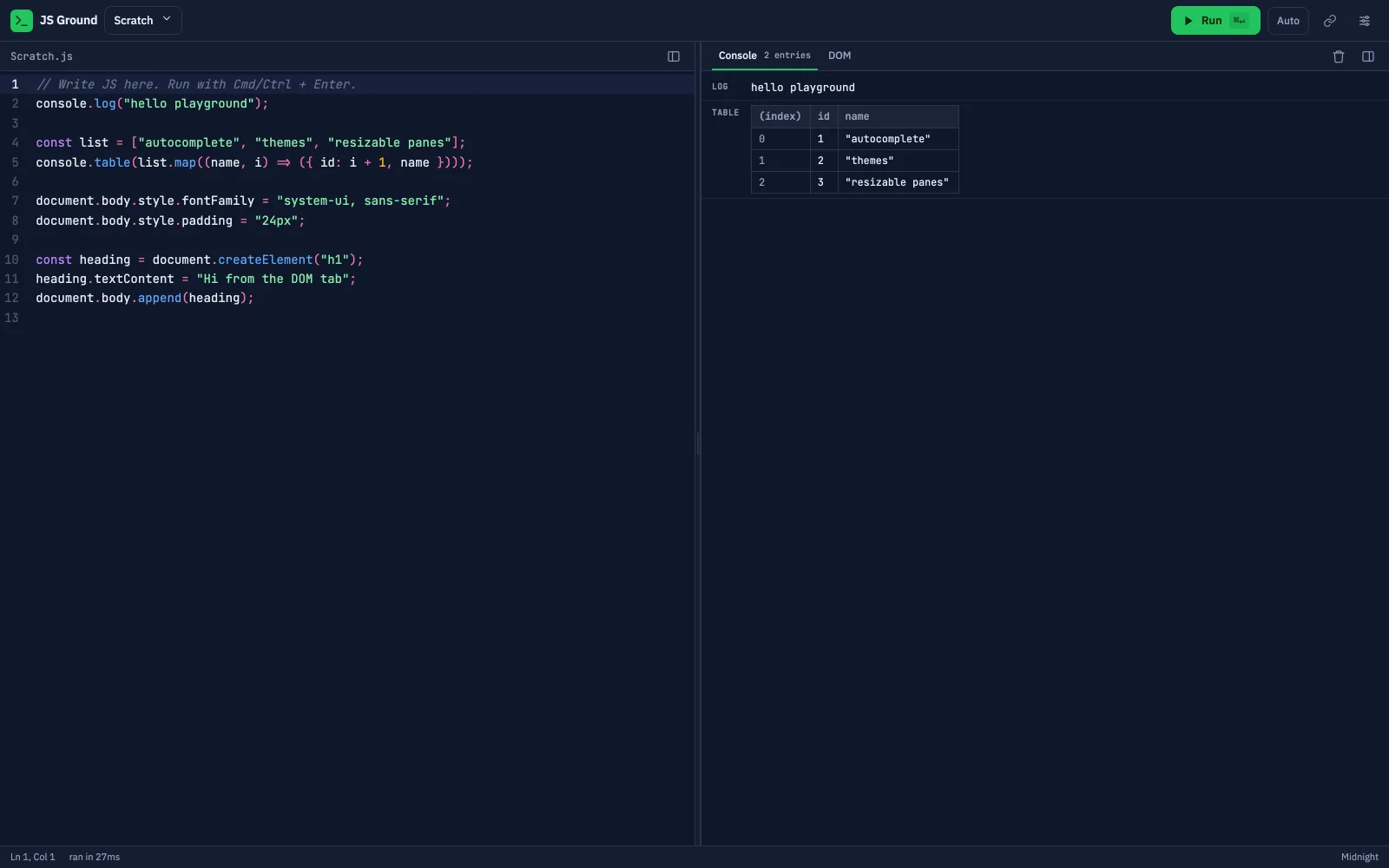
JS Ground is a browser based JavaScript playground with a live console and DOM preview. Code runs inside a sandboxed iframe behind a five second watchdog so an infinite loop cannot freeze the page, and the console supports table, group, time, count and trace with expandable object and error detail.
The interesting part
What Was Actually Hard
Every project looks straightforward in a case study. These are the problems that decided how it was built.
Running untrusted code safely
Everything executes inside a sandboxed iframe communicating over postMessage. The host page never evaluates what is typed, which is the difference between a playground and a vulnerability.
A watchdog for the infinite loop
Every playground meets while(true) eventually. A five second watchdog terminates the frame rather than locking the tab, so the answer to a mistake is a message instead of a forced reload.
A console worth the name
table, group, time, count and trace, with expandable objects and error detail. Most playgrounds print strings. Reproducing real console semantics is what makes one usable for actual debugging.
One theme definition, two consumers
Seven themes drive both the application chrome and the editor syntax colours from a single definition, so adding a theme does not mean maintaining two colour systems that drift apart.
What it does
Shipped Feature Set
- Live console with table, group, time, count and trace
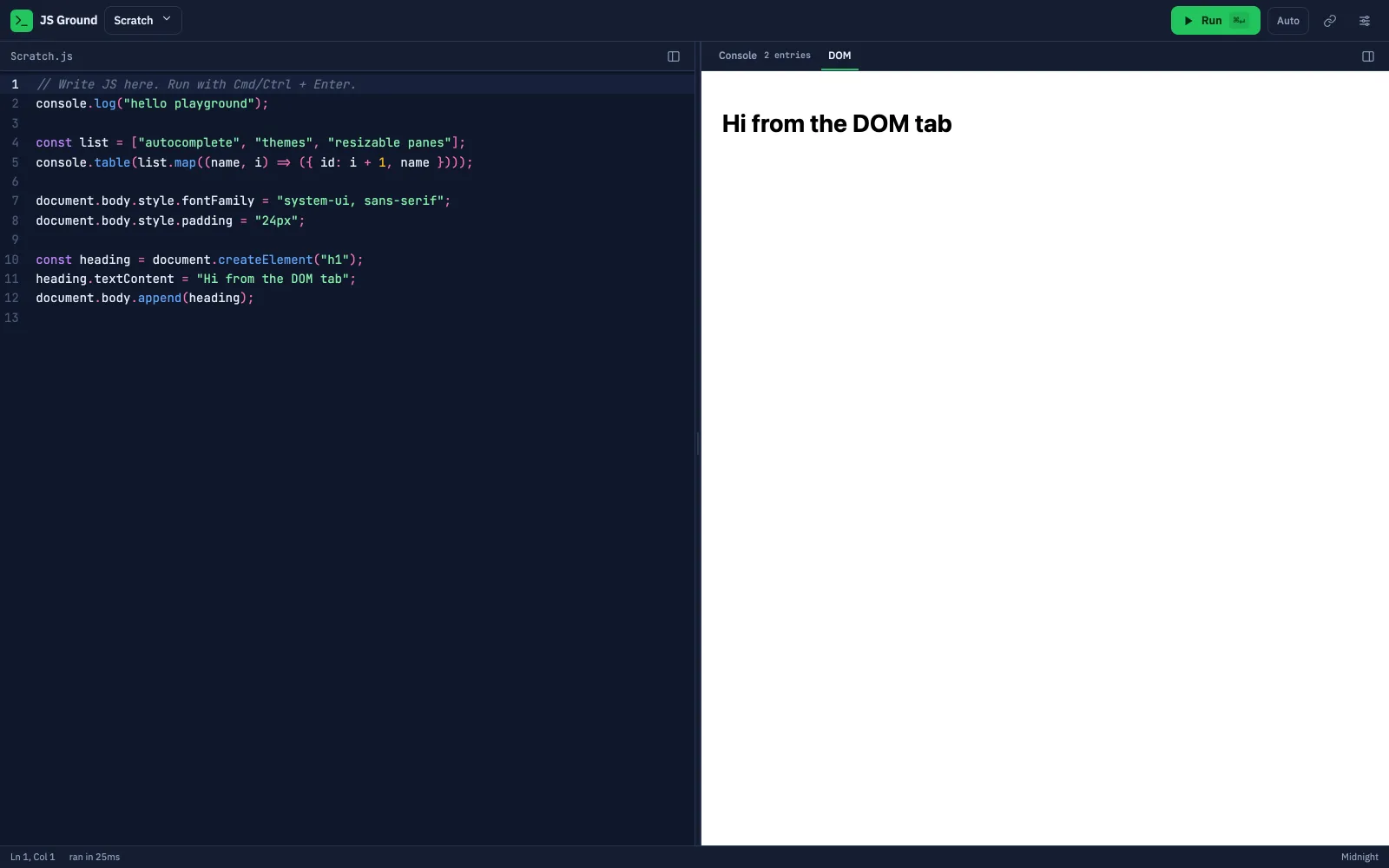
- DOM preview tab beside the editor
- Sandboxed iframe execution over postMessage
- Five second watchdog against runaway code
- Seven themes across chrome and syntax
Built by
Ashraful Islam Hridoy, Lead Engineer
Ashraful builds the systems behind The Cubas engineering work, from typed REST APIs and data models to the React interfaces on top of them. His focus is the part most builds skip: secure access, reliable background jobs, and what happens to a system after launch.
Read the backgroundServices this demonstrates